Live cam sites are built around real-time interaction, which is exactly what makes them different from ordinary video websites.
It also means viewers should think a little more carefully about privacy.
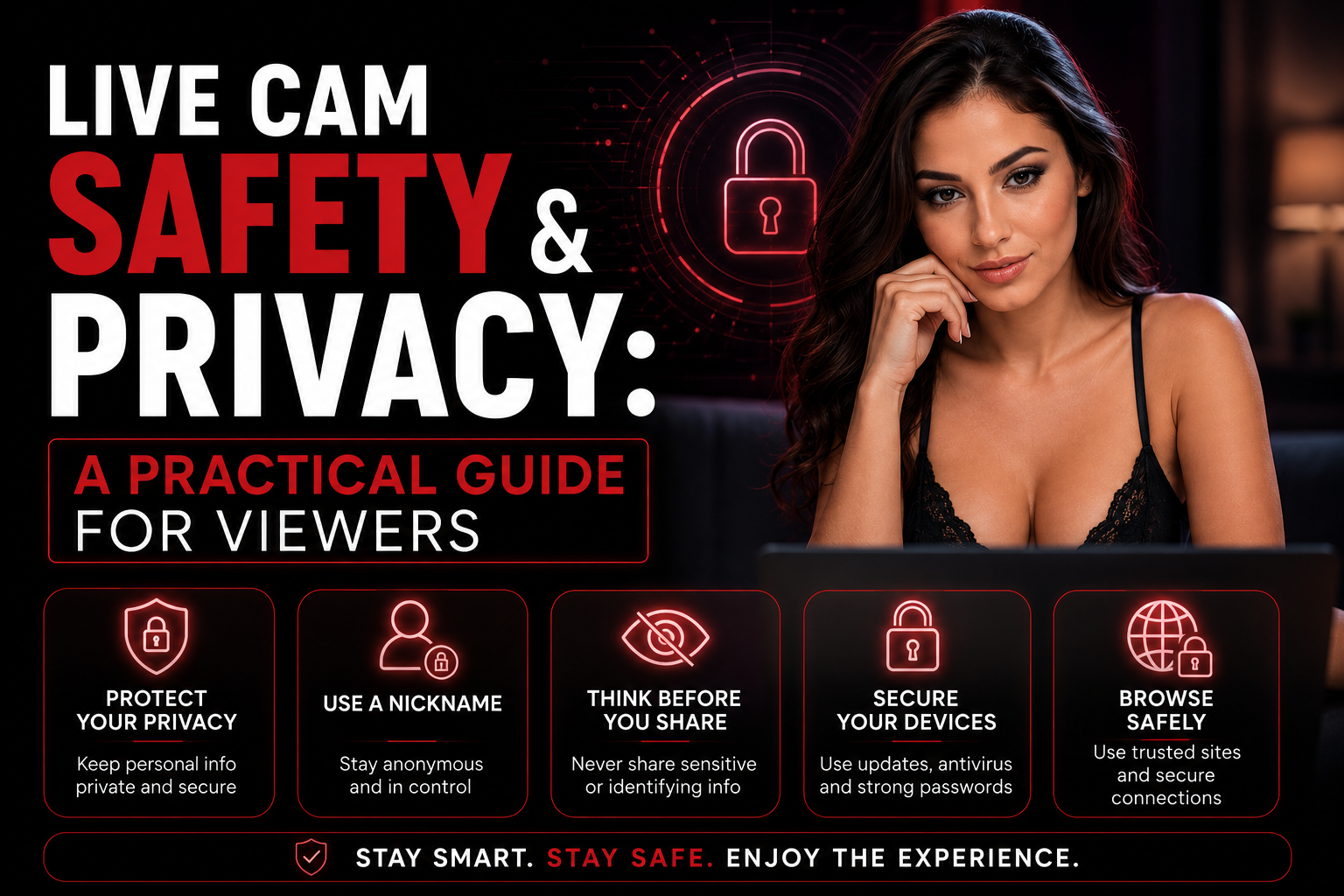
Using established webcam platforms doesn’t need to be complicated. Most good security habits are surprisingly simple: choose reputable sites, protect your account, understand payments and avoid sharing personal information unnecessarily.
Here are the practical things worth knowing.
Are Live Cam Sites Safe?
Reputable live cam platforms generally use the same basic web security technologies as other large online services, including encrypted HTTPS connections and established payment systems.
However, not every webcam website operates to the same standard.
The biggest risks aren’t necessarily the live streams themselves.
They’re usually things such as:
- Fake websites
- Phishing pages
- Weak passwords
- Suspicious downloads
- Sharing too much personal information
- Unclear billing
- Following unknown external links
Choosing established platforms and applying basic online security habits eliminates a large part of that risk.
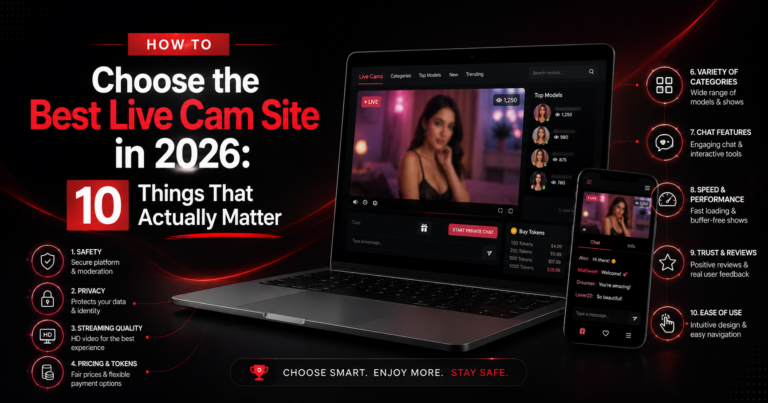
If you’re currently comparing platforms, start with our guide to choosing the best live cam site.
1. Check That the Connection Is Secure
Before creating an account or entering payment information, make sure the website uses HTTPS.
You should see an address beginning with:
https://
rather than:
http://
HTTPS encrypts communication between your browser and the website.
It’s standard on legitimate modern platforms.
If a website handling payments doesn’t use HTTPS, leave.
2. Use a Unique Password
This may sound boring, but it’s one of the most effective security measures you can take.
Never reuse the same password you use for:
- Your primary email
- Online banking
- Social media
- Work accounts
If one service ever experiences a data breach, reused credentials can expose accounts on completely unrelated websites.
A password manager makes unique passwords much easier to manage.
3. Consider Using a Separate Email Address
You don’t necessarily need to use your primary personal email for every entertainment account.
Some viewers prefer keeping subscriptions, notifications and platform accounts separate from their everyday inbox.
A secondary email can help reduce:
- Unwanted notifications
- Account crossover
- Accidental exposure on shared devices
- General inbox clutter
This doesn’t make you anonymous, but it can improve separation between different parts of your online activity.
4. Enable Two-Factor Authentication When Available
If a webcam platform offers two-factor authentication, it’s worth enabling.
Two-factor authentication — often shortened to 2FA — requires an additional verification step when logging in.
Even if someone discovers your password, they still need the second authentication factor.
It’s particularly useful if you keep purchased credits or payment information associated with your account.
5. Don’t Share Personal Information in Chat
Live chat can feel informal very quickly.
Remember that you’re still communicating with people online.
Avoid sharing unnecessary personal information such as:
- Your full name
- Home address
- Workplace
- Personal phone number
- Private social accounts
- Financial information
- Passwords
- Identification documents
You don’t need to become paranoid about every conversation.
Just apply the same rules you would use when talking to someone you’ve only recently met anywhere else online.
6. Be Careful With External Links
A major webcam platform can secure its own website.
It cannot guarantee the safety of every external link someone sends you.
Be particularly cautious if a user asks you to leave the platform and:
- Download a file
- Install an application
- Enter login information elsewhere
- Send money using an unrelated payment service
- Visit an unfamiliar shortened URL
When in doubt, stay on the original platform.
7. Understand How Billing Works
Before purchasing tokens or credits, check the billing information provided by the cam site.
Many platforms explain:
- Available payment methods
- Currency conversion
- Billing descriptors
- Recurring payments
- Refund policies
A billing descriptor is the name that appears on your card or bank statement.
If privacy matters to you, look this up before making a purchase rather than afterward.
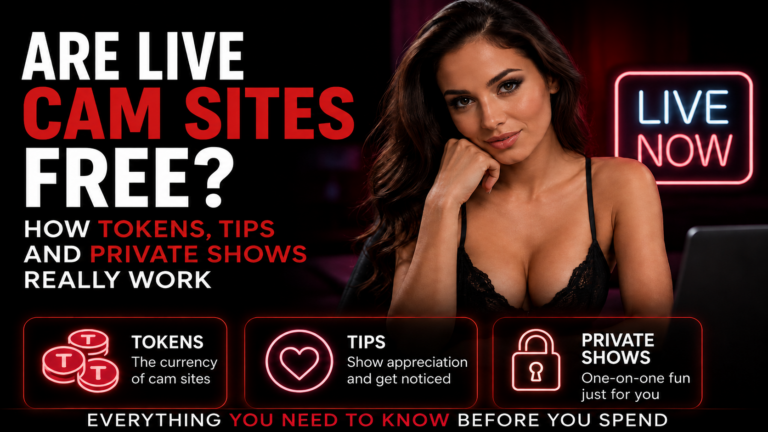
For a complete explanation of webcam payments, see our article on live cam tokens, tips and private shows.
8. Watch for Recurring Subscriptions
Buying tokens and subscribing to a membership aren’t always the same thing.
Some services or premium features may renew automatically.
Before confirming a transaction, check whether you’re purchasing:
A one-time package
or
A recurring subscription
Legitimate platforms should explain this during checkout.
It’s still worth reading what you’re approving rather than clicking through automatically.
9. Be Careful on Shared Devices
If other people use the same computer or tablet, consider what your browser stores.
This can include:
- Browsing history
- Cookies
- Saved passwords
- Autofill information
- Download history
Private browsing can reduce some information stored locally after a session, although it does not make your internet activity completely anonymous.
Logging out of your account afterward is another simple precaution.
10. Keep Your Browser Updated
Browser updates aren’t just cosmetic.
Chrome, Firefox, Safari, Edge and other browsers regularly receive security fixes.
Using an outdated browser can expose vulnerabilities that have nothing specifically to do with adult sites.
The same principle applies to your operating system.
Automatic updates are usually the easiest option.
11. Avoid Random “Cam Viewer” Downloads
You generally shouldn’t need to install special software just to watch a live webcam stream.
Modern cam sites work directly inside browsers.
Be suspicious of pages claiming that you must download:
- A special video player
- A browser extension
- A codec
- A “cam unlocker”
- An unofficial viewing application
If a site suddenly asks you to install something unexpected, don’t.
12. Choose Established Platforms
One of the easiest ways to reduce risk is to avoid completely unknown websites.
Established platforms tend to have more developed systems for:
- Payment processing
- Account management
- Performer verification
- Content moderation
- Privacy requests
- Reporting abuse
- Customer support
That doesn’t mean every large platform is identical.
It’s still worth comparing them before registering.
SexCamRank helps viewers explore and compare different live cam platforms from one place.
13. Understand What Private Browsing Actually Does
Incognito or private browsing is useful, but often misunderstood.
It mainly prevents the browser from keeping certain information after you close the private session.
It can prevent local storage of things such as browsing history.
It does not automatically hide your activity from websites, your internet provider or a network administrator.
Think of it as a local privacy feature rather than complete anonymity.
14. Trust Obvious Warning Signs
You don’t need to be a cybersecurity expert to recognize many suspicious websites.
Red flags include:
- Endless pop-ups
- Fake virus warnings
- Forced downloads
- Requests for unusual payment methods
- Missing privacy information
- Browser security warnings
- Fake login pages
- URLs imitating well-known brands
If something feels dramatically different from a normal professional website, leaving is usually the best option.
Privacy Doesn’t Have to Be Complicated
Most viewers don’t need an elaborate technical setup.
A handful of habits provide a strong foundation:
Use reputable platforms.
Create a unique password.
Enable 2FA where possible.
Don’t overshare personal information.
Check payment terms.
Avoid suspicious external links and downloads.
Keep your browser updated.
That’s enough to prevent many of the most common problems.
Compare Platforms Before Creating an Account
Different webcam sites provide different privacy controls, payment systems and account features.
Taking a few minutes to understand those differences can help you choose a platform you’re more comfortable using.
Before registering, read our guide to choosing a live cam platform and learn how free cams, tokens and private shows work.
You can then browse the latest cam site comparisons on SexCamRank and decide which platform best matches the experience and features you’re looking for.
Enjoy the live experience — while keeping control of your account, spending and personal information.
Compare the Best Sex Cam Sites
See our current rankings for live sex cam sites, free public rooms, private shows, mobile viewing and overall value.